The short answer: Hreflang is a signal that tells Google which language or regional versions of a page exist, so it can show searchers the right one. You need it only if you have genuinely different versions of the same page, such as English and Hindi, or separate pages for the UK and Australia. Each version must list itself and every other version, and the links must point both ways, or Google ignores them. Use a language code, optionally with a region, add an x-default fallback where useful, and never redirect visitors automatically based on what you guess their language is. A single-language site that serves many countries usually does not need hreflang at all.
This guide is for businesses with, or planning, websites in more than one language or for more than one country. It follows Google Search Central documentation as checked in November 2026. Apzom Digital sells SEO, including international work, so read this knowing we have an interest. Our own site is in English only and serves clients worldwide, so it does not use hreflang, which is a useful example in itself.
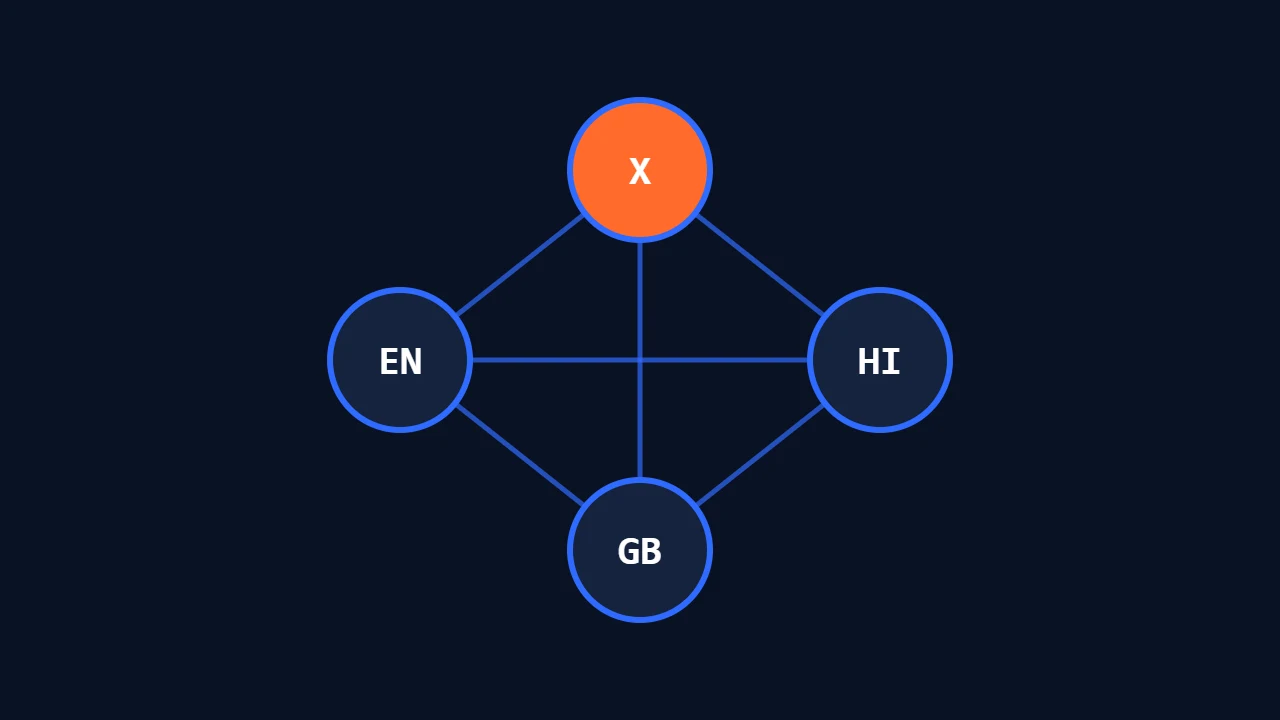
What to take from this guide
- Hreflang connects versions; it does not create them. You still need translated or localised pages.
- Links must be reciprocal. Google says if two pages don’t both point to each other, the tags are ignored.
- Google detects language from your content. It says it does not use hreflang or the HTML lang attribute to detect a page’s language.
- Do not auto-redirect by guessed language. Let visitors choose.
Do you need hreflang?
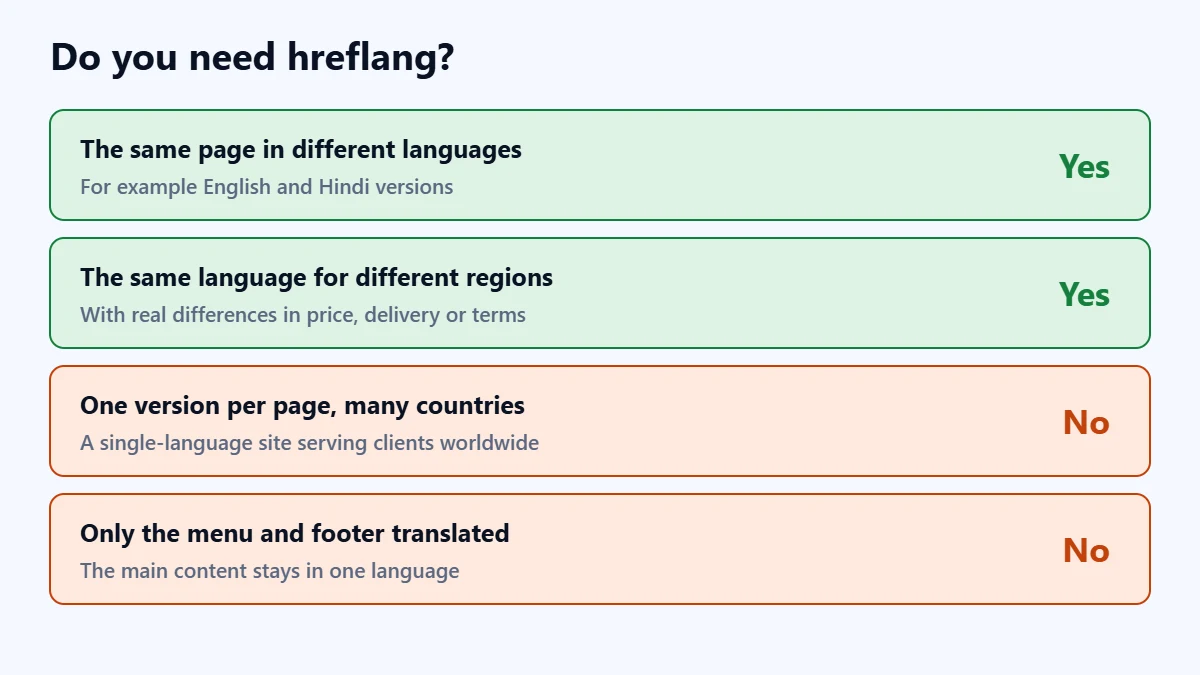
- Yes: you have the same content in different languages, such as English and Hindi versions of a service page.
- Yes: you have versions in the same language for different regions, with real differences such as prices, currency, delivery or legal terms. Google’s own examples include separate English pages for different English-speaking countries.
- No: you have one version of each page in one language, even if customers come from many countries.
- No: you only translated the navigation and footer. Google says localised pages are only considered duplicates if the main content is untranslated, and that translating only boilerplate can create a poor experience.
How hreflang tags work
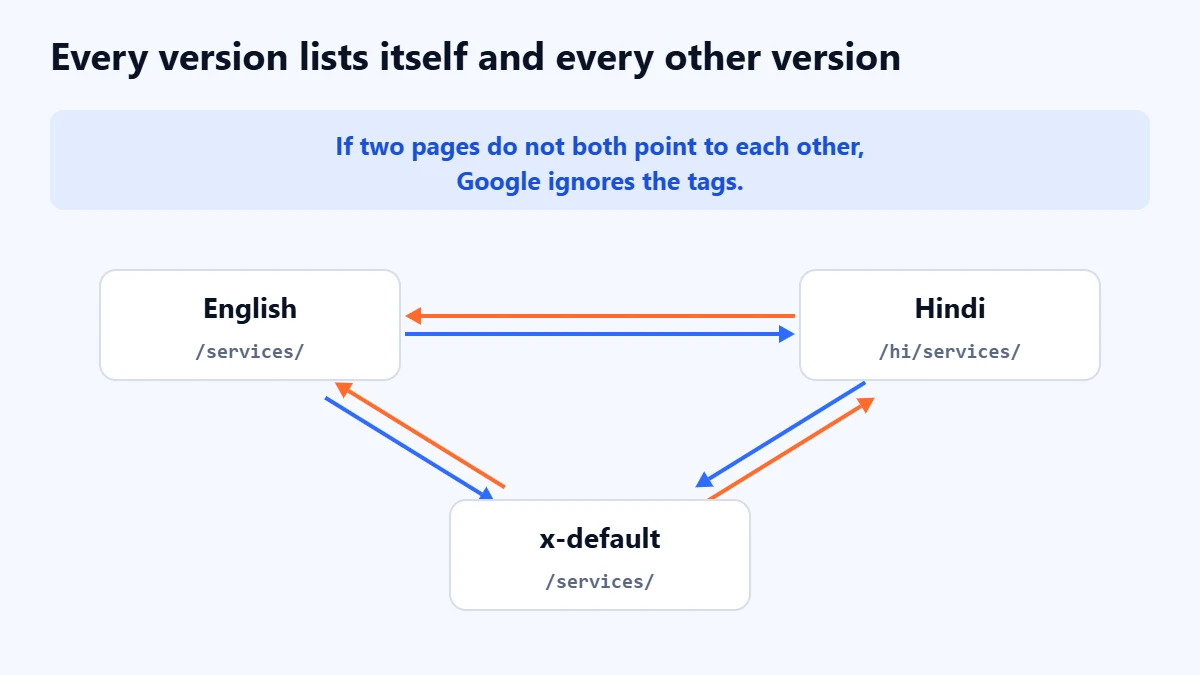
Every version of the page carries the same set of tags, listing all the versions including itself. A hypothetical example for an English and a Hindi page:
<link rel="alternate" hreflang="en" href="https://example.com/services/" /> |
<link rel="alternate" hreflang="hi" href="https://example.com/hi/services/" /> |
<link rel="alternate" hreflang="x-default" href="https://example.com/services/" /> |
Google sets out these rules:
- Each version lists itself as well as all the others.
- Links must be reciprocal. If page A names page B, page B must name page A, or the tags are ignored. Google says this stops other sites from claiming to be an alternative version of your page.
- URLs must be fully qualified, including https, not relative paths.
- Versions can be on different domains.
Language and region codes
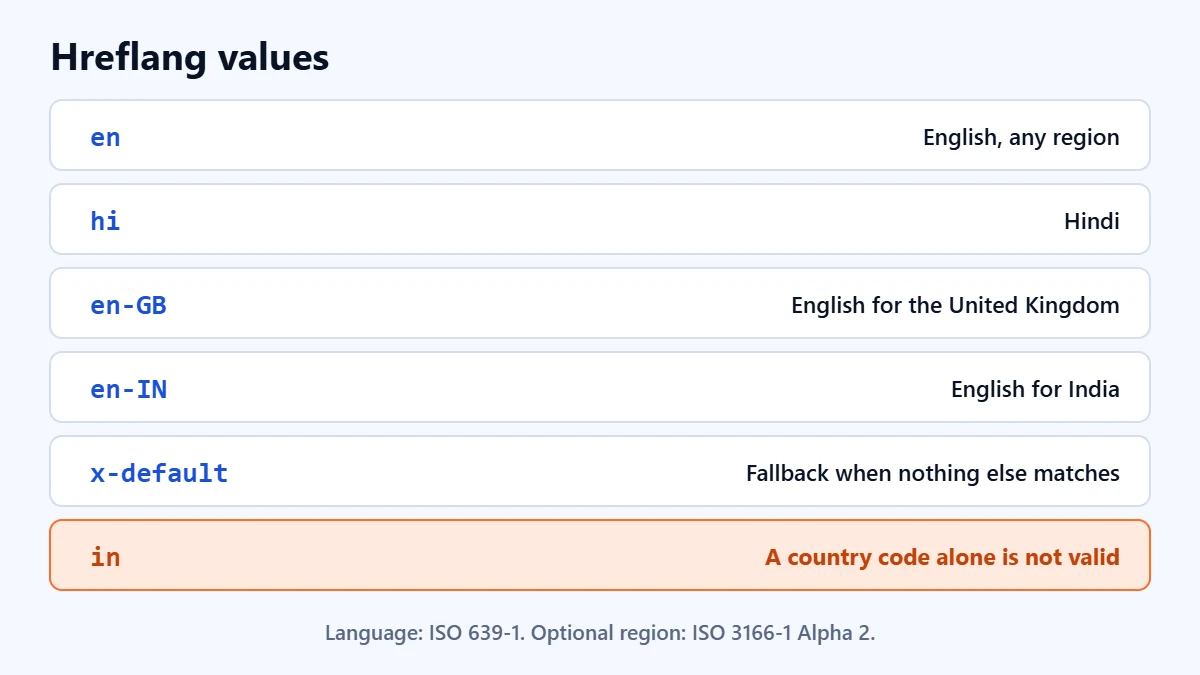
Google says the hreflang value is a language code, optionally followed by a region code and separated by a dash, such as en-GB. The language uses ISO 639-1 format, and the region ISO 3166-1 Alpha 2. Codes are not case sensitive, though uppercase region codes follow the usual convention.
en: English, for any regionhi: Hindien-GB: English for the United Kingdomen-IN: English for Indiax-default: the fallback for anyone not matched by another version
Google warns that you cannot specify a country code by itself, because the first code always stands for the language and Google does not work out the language from a country.
Three ways to add hreflang
Google supports three methods. Use one, and use it consistently:
- HTML link tags in the head of each page. The most common choice for websites, and often handled by multilingual plugins.
- HTTP headers. Useful for files that are not HTML, such as PDFs.
- An XML sitemap, listing each URL with its alternates. Often easier to maintain on large sites.
Expanding into another country or language? Ask for a Free Growth Audit. We review your site structure, language versions and technical setup, and tell you what you need before you launch.
Structuring an international site
Google’s guidance on multi-regional sites compares country-specific domains, such as example.de, with subdomains and subdirectories, such as example.com/de/. Country domains give clear geotargeting but cost more and need more infrastructure. Subdirectories are usually simpler to run on one site. Whichever you choose, keep one language per page for content and navigation, which Google says helps it determine the language correctly. If you are adding language versions to an existing site, our website redesign SEO checklist covers protecting the rankings you already have, and our guide to keyword research applies to each language, because people search differently in each one.
Common hreflang mistakes
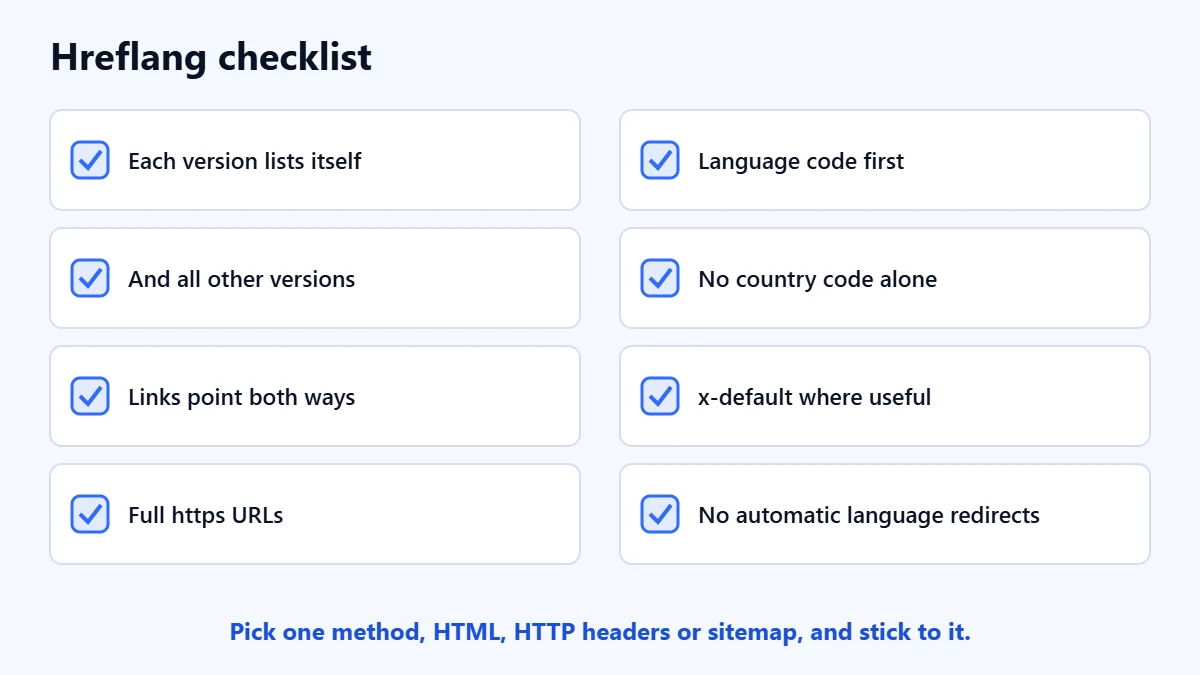
- Missing return links. The most common reason tags are ignored.
- Using a country code alone, such as “in” or “uk”.
- Pointing to redirected, broken or noindexed pages. Each alternate should be a live page you want in search.
- Relative URLs. Google requires full URLs.
- Automatic redirects by guessed language. Google advises against them because they can stop users and search engines from reaching every version. Offer a language switcher instead.
- Adding hreflang to a single-language site. It does nothing useful without real alternate versions.
Our guide to technical SEO audits covers how to check tags across a whole site, and our guide to Google Search Console shows where to look for indexing problems after launch.
Frequently asked questions
Does hreflang help rankings?
It helps Google show the right version of a page to the right searcher. It does not make a page rank higher on its own, and it cannot fix weak or untranslated content.
Do I need hreflang if my site is only in English?
Usually not. Hreflang connects alternate versions of a page. If you have only one version, there is nothing to connect. You might need it if you create separate English pages for different countries with genuinely different content.
What is x-default?
A value for the version to show when no other version matches the searcher’s language or region. Google suggests it as a fallback, especially for language selector pages or home pages that help visitors choose.
Does Google use the HTML lang attribute?
Google says it does not use hreflang or the HTML lang attribute to detect a page’s language. It works that out from the visible content, which is why one language per page matters.
Get your Free Growth Audit and Quote. We review your site’s technical setup, international structure and search visibility, then send a plain-English list of what we would fix first.
No obligation and no guaranteed rankings. Prefer to talk first? Contact us or see our SEO services.