The short answer: Sitelinks are the extra links to pages on your site that Google sometimes shows under your main search result. Google says they are automated: its systems choose them from your site’s link structure, and it shows them only when it thinks they will help. You cannot add them directly. You can make good sitelinks more likely with clear page titles and headings, a logical site structure, and concise internal link text. If you need to remove one, Google suggests removing the page or adding noindex.
This guide is for business owners and marketers who want sitelinks under their brand search result, or want to change the ones Google shows. It follows Google Search Central as checked in November 2026. Apzom Digital sells SEO, so read this knowing we have an interest. Nothing here requires special tools.

What to take from this guide
- Google chooses sitelinks. There is no setting to add or order them.
- They come from your structure. Clear navigation and internal links help Google find good shortcuts.
- They usually appear for brand searches. Google shows them when it thinks they help with that query.
- Removing one means changing the page. Delete it or noindex it if it should not appear at all.
What sitelinks are
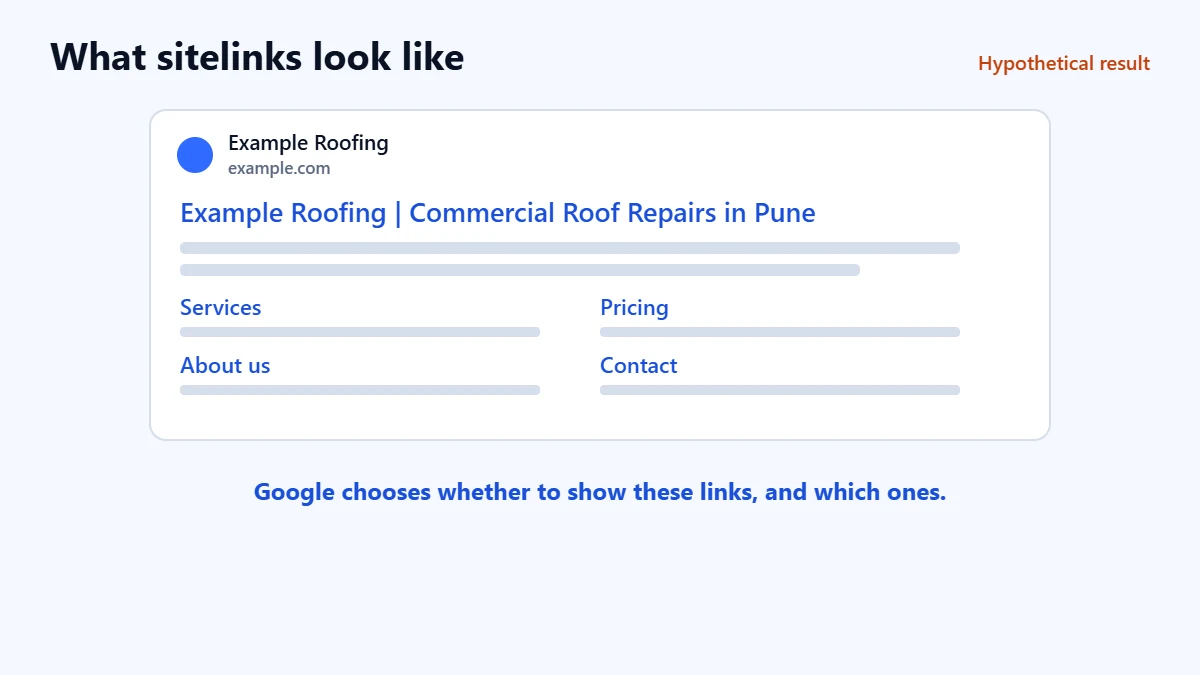
Google describes sitelinks as links from the same domain, clustered together under a text result. Its systems analyse your site’s link structure to find shortcuts that save people time. Google says it only shows them when it thinks they will be useful, and that it will not show them if your site’s structure does not let its algorithms find good ones, or if they are not relevant to the search.
In our judgement, sitelinks appear most often when someone searches for your business name, because that is when a shortcut to a specific page is most useful.
What you can control, and what you cannot
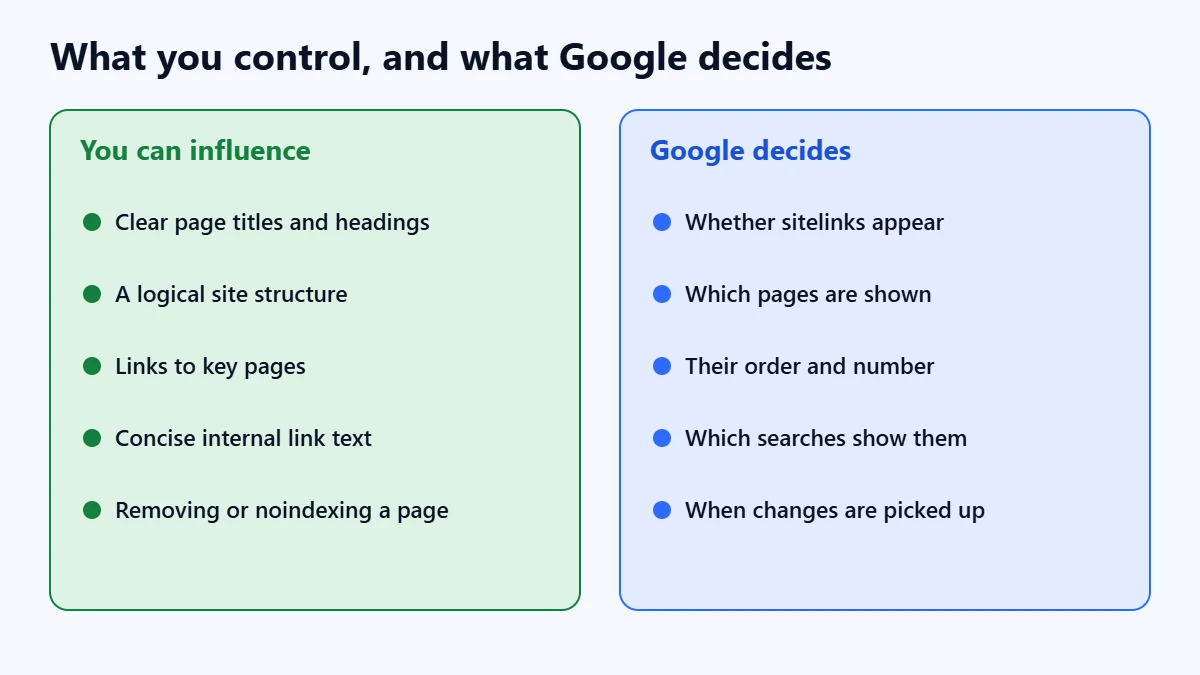
| You can influence | Google decides |
|---|---|
| Informative, relevant and compact page titles and headings | Whether sitelinks appear at all |
| A logical site structure that is easy to navigate | Which pages are shown |
| Links to important pages from other relevant pages | The order and number of sitelinks |
| Concise, relevant internal link text | Which searches show them |
| Removing or noindexing a page you do not want shown | When the change is picked up |
Google says sitelinks are automated at the moment, and that it may take site owner input into account in the future. Some older articles describe a Search Console setting for demoting sitelinks. Google’s current guidance does not include one, so do not spend time looking for it.
How to make good sitelinks more likely
- Give important pages clear titles and headings. Google asks for text that is informative, relevant and compact. Our guide to writing title tags covers this.
- Build a logical structure. Main navigation should lead to your core pages, such as services, pricing, about and contact.
- Link to important pages from relevant pages. Our guide to internal linking for business websites explains a simple system.
- Keep internal link text concise. “SEO services” is clearer than “click here to find out more about what we can do”.
- Avoid repetition. Google advises avoiding repeated content. Several near-identical pages make it harder to pick a clear shortcut.
Want a clearer site structure? Ask for a Free Growth Audit. We review your navigation, internal links, titles and indexing, and tell you what we would change first.
How to remove a sitelink you do not want
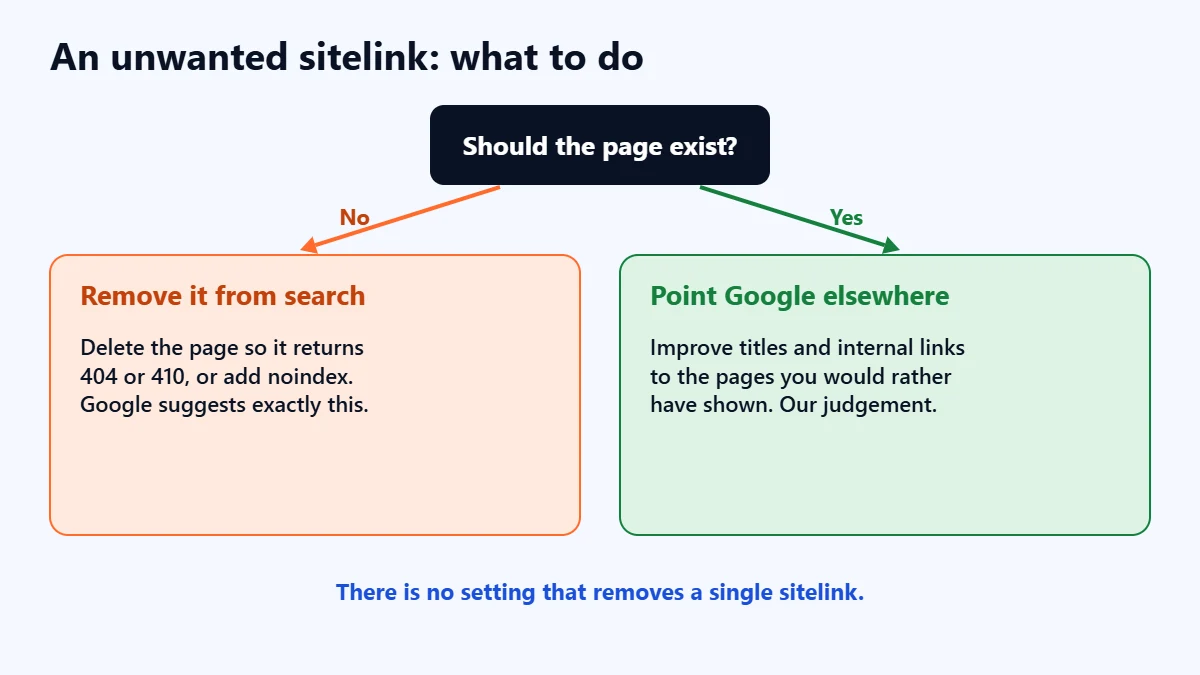
Google’s advice is that if you need to remove a sitelink, consider removing the page from your site or using noindex. That only makes sense if the page should not appear in search at all, such as an old promotion or a login page. If the page is fine but you would rather Google showed something else, in our judgement the better route is to improve the titles of, and internal links to, the pages you do want shown. Our guide to removing a page from Google explains deletion and noindex in detail.
Sitelinks in Google Ads are different
Google Ads has its own sitelink assets, which you add to ads yourself and which appear only with your ads. They are a separate feature from the organic sitelinks described here, and adding them has no effect on your organic result. Our Google Ads audit checklist covers assets.
A quick check
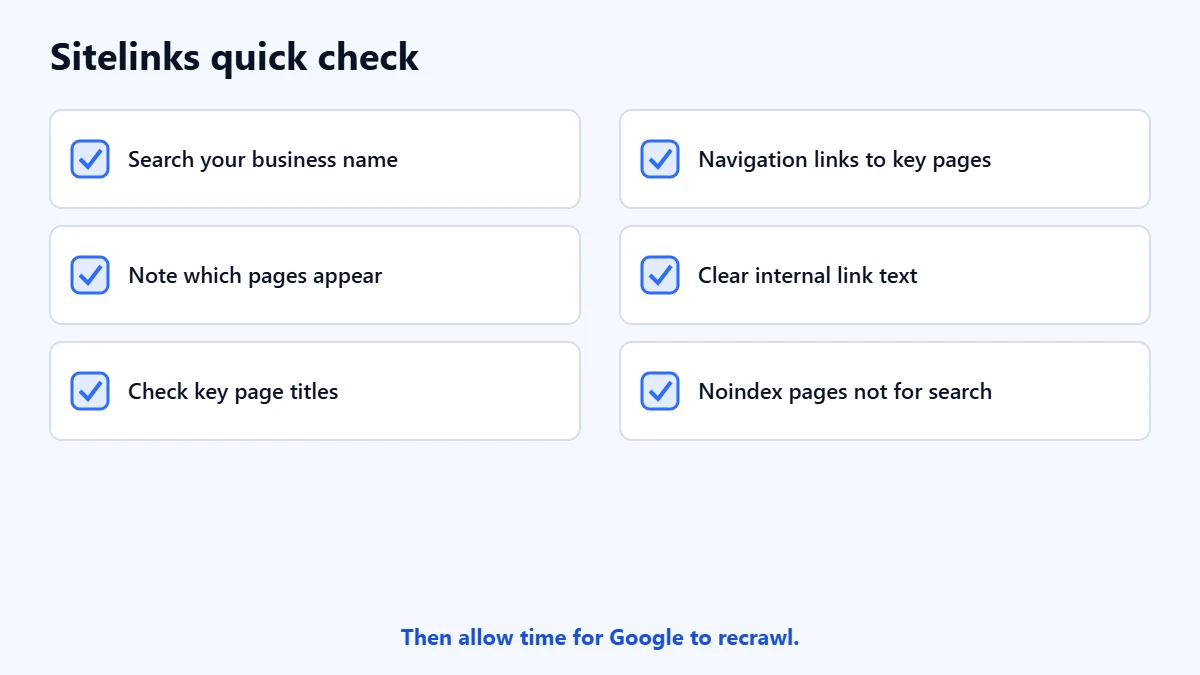
- Search for your business name and note which sitelinks appear, if any.
- Check the titles and headings of your key pages.
- Make sure main navigation links to those pages.
- Check that other relevant pages link to them, with clear link text.
- Remove or noindex pages that should not appear in search at all.
- Allow time. Google has to recrawl and reprocess your pages.
Frequently asked questions
How do I get sitelinks for my website?
You cannot request them. Google shows them automatically when it finds useful shortcuts and thinks they help the search. Clear titles, a logical structure and good internal links make that more likely.
Why don’t I have sitelinks?
Google says it will not show them if your structure does not let it find good ones, or if they are not relevant to the search. New and very small sites often do not get them for that reason.
Can I change the order of sitelinks?
No. Google decides which sitelinks appear and in what order.
Does structured data create sitelinks?
Google’s sitelinks guidance does not mention any structured data for sitelinks. It focuses on titles, headings, structure and internal links.
Get your Free Growth Audit and Quote. We review how your site appears in search, from structure and titles to indexing, then send a plain-English list of what we would fix first.
No obligation and no guaranteed rankings. Prefer to talk first? Contact us or see our SEO services.