The short answer: Quality Score is a 1 to 10 rating Google Ads gives each keyword, showing how your ads and landing page compare with other advertisers’ for that keyword. It is built from three parts: expected click-through rate, ad relevance and landing page experience, each rated Above average, Average or Below average. Google calls it a diagnostic tool and says it is not an input in the ad auction. The quality it reflects does matter, though: Google says higher quality ads can often lead to lower costs per click. Use it to find which part to fix.
This guide is for business owners and marketers running Google Ads who see low Quality Scores and want to know what to do. It follows Google Ads Help as checked in November 2026. Apzom Digital manages Google Ads, so read this knowing we have an interest. Adding the columns takes a minute.

What to take from this guide
- It is a diagnostic, not a target. Google says not to optimise the number itself.
- Look at the three components. They tell you whether to fix the ad, the keyword grouping or the landing page.
- The auction uses quality measured at auction time, not the score you see.
- Better quality can cut costs, according to Google.
The three components
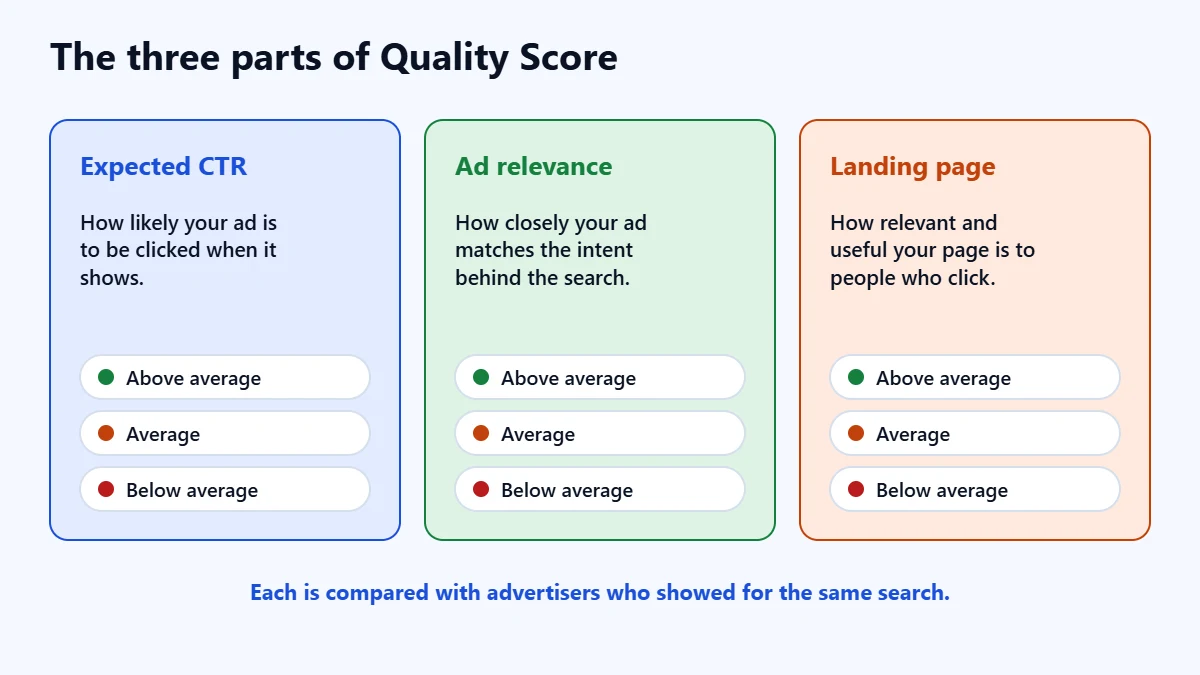
| Component | What it measures |
|---|---|
| Expected click-through rate | How likely your ad is to be clicked when it shows |
| Ad relevance | How closely your ad matches the intent behind the search |
| Landing page experience | How relevant and useful your landing page is to people who click |
Google rates each component Above average, Average or Below average, compared with other advertisers whose ads showed for exactly the same search over the last 90 days. It says Average or Below average may signal an opportunity to improve.
Quality Score and Ad Rank
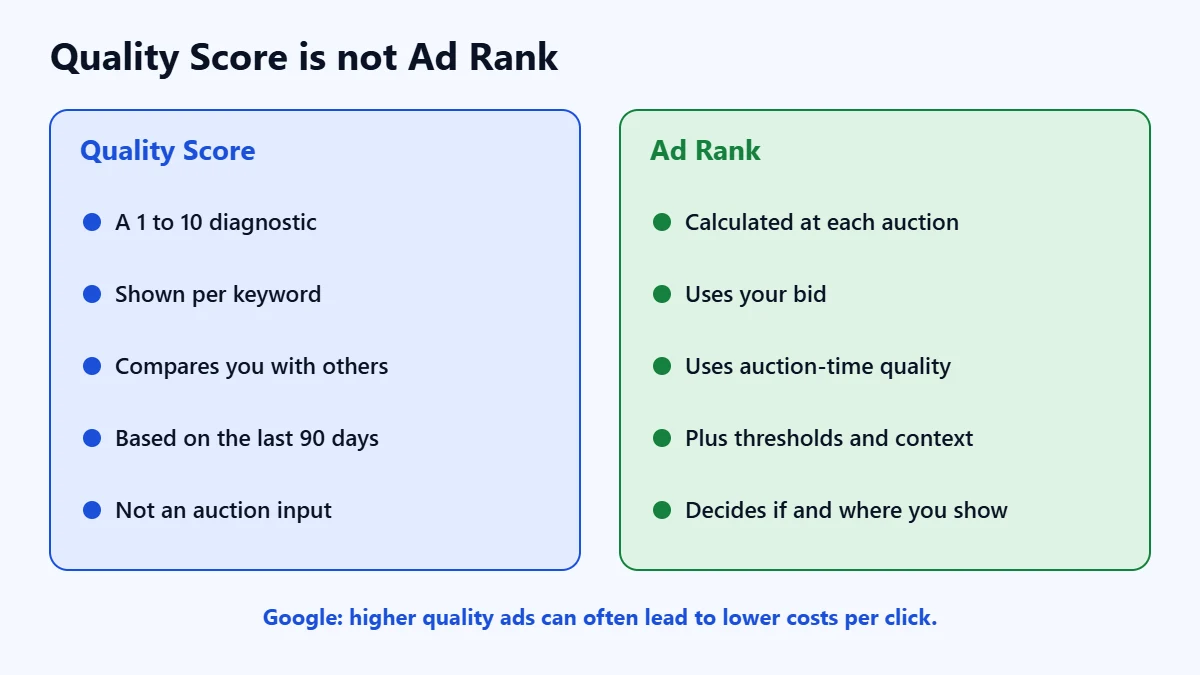
Google is explicit that Quality Score is not an input in the ad auction. What decides whether and where your ad shows is Ad Rank, which Google says is calculated fresh for each search from six factors:
- Your bid.
- The quality of your ads and landing page, measured at auction time, which can include expected click-through rate, ad relevance and landing page experience.
- Ad Rank thresholds, the minimum an ad must reach to show.
- The competitiveness of the auction.
- The context of the search, such as the words used, location, device and time.
- The expected impact of your assets, such as sitelinks.
So the score in your account is a summary of quality, while the auction uses its own up-to-date measurements. Google says higher quality ads can often lead to lower costs per click, and that higher quality ads typically lead to lower costs and more advertising success. In our judgement, that is the reason to pay attention to the components, not the number.
How to see your Quality Score
- Go to Keywords in the Campaigns menu.
- Select the columns icon above the table.
- Open the Quality score section.
- Select Quality Score, Exp. CTR, Ad Relevance and Landing Page Exp. Add the historical versions if you want to see changes over time.
- Select Apply.
A dash instead of a number means there are not enough searches that exactly match the keyword for Google to calculate a score. Google says match type does not change how Quality Score is calculated.
Paying too much per click? Ask for a Free Growth Audit. We review your keywords, ads and landing pages, and tell you which fixes would matter most.
How to improve each component
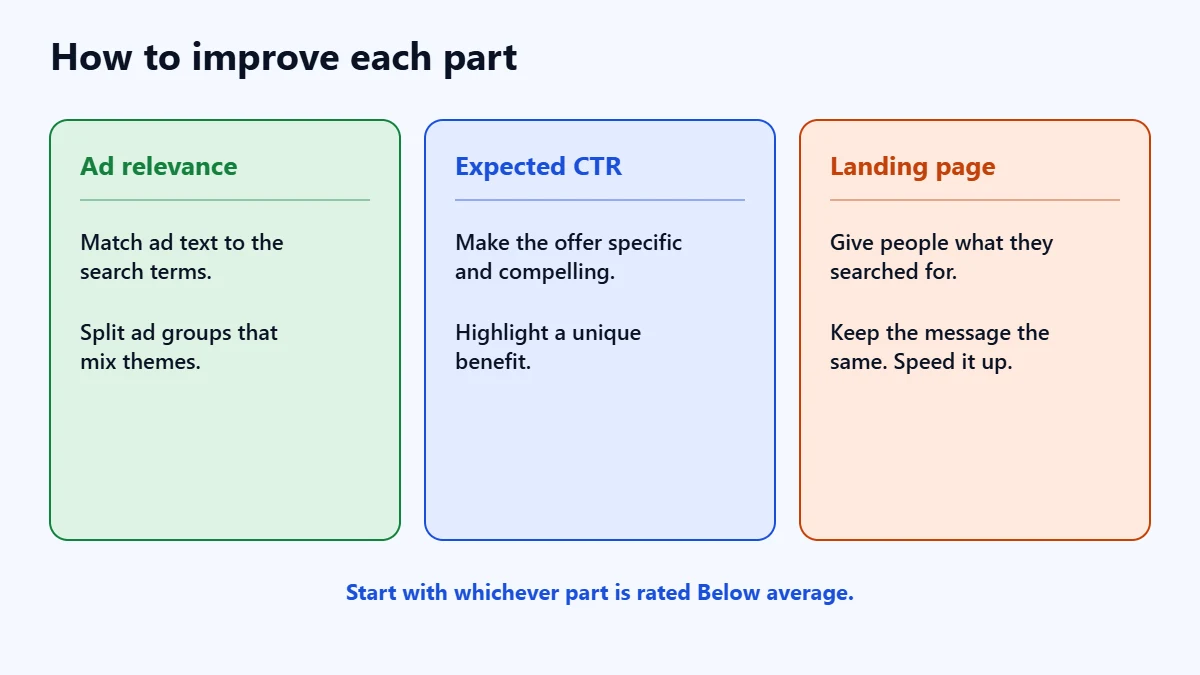
If ad relevance is low, Google suggests matching your ad text more directly to the searches, grouping keywords into tight themes and splitting ad groups that contain keywords one ad cannot cover. A plumber with “boiler repair” and “bathroom fitting” in one ad group, for example, needs two ad groups. Our guide to match types helps you see which searches each keyword brings in.
If expected click-through rate is low, Google suggests making your offer more compelling, matching the ad to the keyword’s intent, highlighting a unique benefit, testing calls to action and being more specific. It notes that a more specific ad may get fewer clicks but convert better. Our guide to Ad Strength covers writing responsive search ads.
If landing page experience is low, Google suggests giving people what they are looking for, keeping the message consistent from ad to page, making the page work well on mobile and improving loading speed. It says the exact search phrase does not need to appear word for word on the page. Our guides to landing page best practices and Core Web Vitals cover both.
A checklist
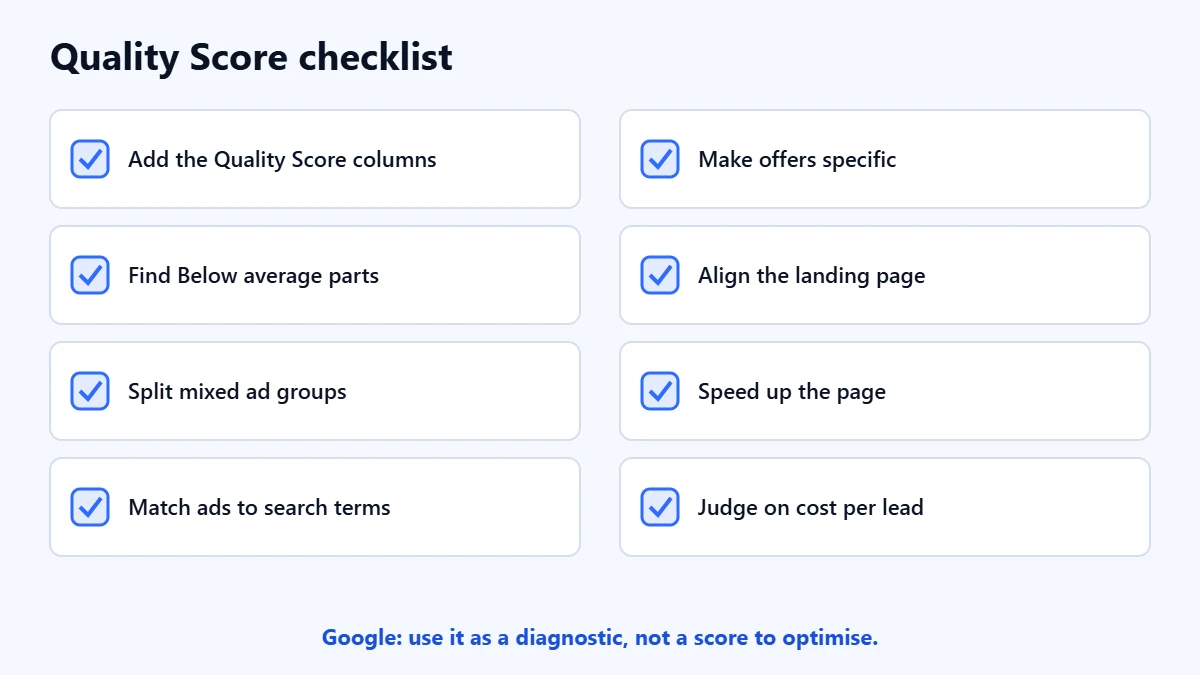
- Add the Quality Score and component columns.
- Find keywords with Below average components.
- Split ad groups with mixed themes.
- Match ad text to the search terms.
- Make the offer specific and compelling.
- Align the landing page with the ad.
- Speed up the landing page.
- Judge results on cost per lead, not the score.
For the wider account, see our Google Ads audit checklist and our guide to reducing cost per lead.
Frequently asked questions
What is a good Quality Score?
Google does not set a target. It says Quality Score is not a key performance indicator and should not be optimised for its own sake. Focus on components rated Below average.
Does Quality Score affect how much I pay?
The score itself is not used in the auction. The quality it reflects is: Google says higher quality ads can often lead to lower costs per click.
Why does my keyword show a dash?
There are not yet enough searches that exactly match the keyword for Google to calculate a score.
Is Quality Score the same as Ad Strength?
No. Quality Score is keyword-level and compares you with other advertisers. Ad Strength rates how well a responsive search ad is built.
Get your Free Growth Audit and Quote. We review your Google Ads account, keywords and landing pages, then send a plain-English list of what we would fix first.
No obligation and no guaranteed results. Prefer to talk first? Contact us or see our Google Ads management service.