The short answer: To remove a page on your own site from Google permanently, delete it so it returns a 404 or 410 status, protect it with a password, or add a noindex tag. If you need it gone from results quickly, also use the Removals tool in Search Console, but Google says that only hides the page for about six months. Do not block the page in robots.txt if you are using noindex: Google says the crawler then never sees the noindex rule, and the page can still appear. If the page you want removed is on someone else’s site, the route is different.
This guide is for site owners and marketers who need an old, sensitive, duplicate or mistaken page out of Google Search. It follows Google Search Central and Search Console Help as checked in November 2026. Apzom Digital sells SEO, so read this knowing we have an interest. Everything here can be done by anyone who owns the site and its Search Console property.
What to take from this guide
- Removal has two parts. A quick, temporary hide and a permanent fix.
- The Removals tool is temporary. Google says about six months.
- Noindex needs crawling. Blocking the page in robots.txt stops Google seeing the tag.
- Removing a page is not the same as moving it. If content has moved, redirect it instead.
First, decide what you actually need
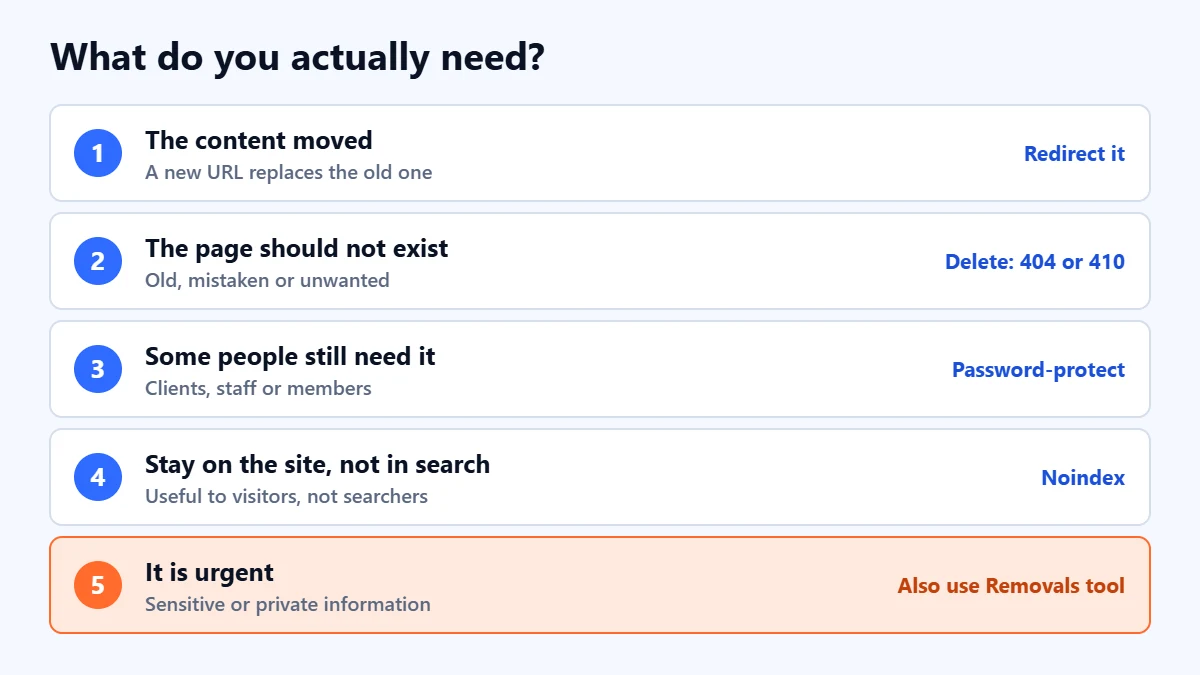
- The content has moved to a new URL: use a permanent redirect, not a removal. Our guide to 301 and 302 redirects explains which to use.
- The page should not exist any more: delete it, and make sure the server returns 404 (Not Found) or 410 (Gone).
- The page must stay available to some people: put it behind a password or login.
- The page should stay on the site but not appear in search: add a noindex rule.
- It is urgent, such as private information: do one of the above and also use the Removals tool.
The permanent options
Google’s guidance lists three ways to remove a page you own permanently:
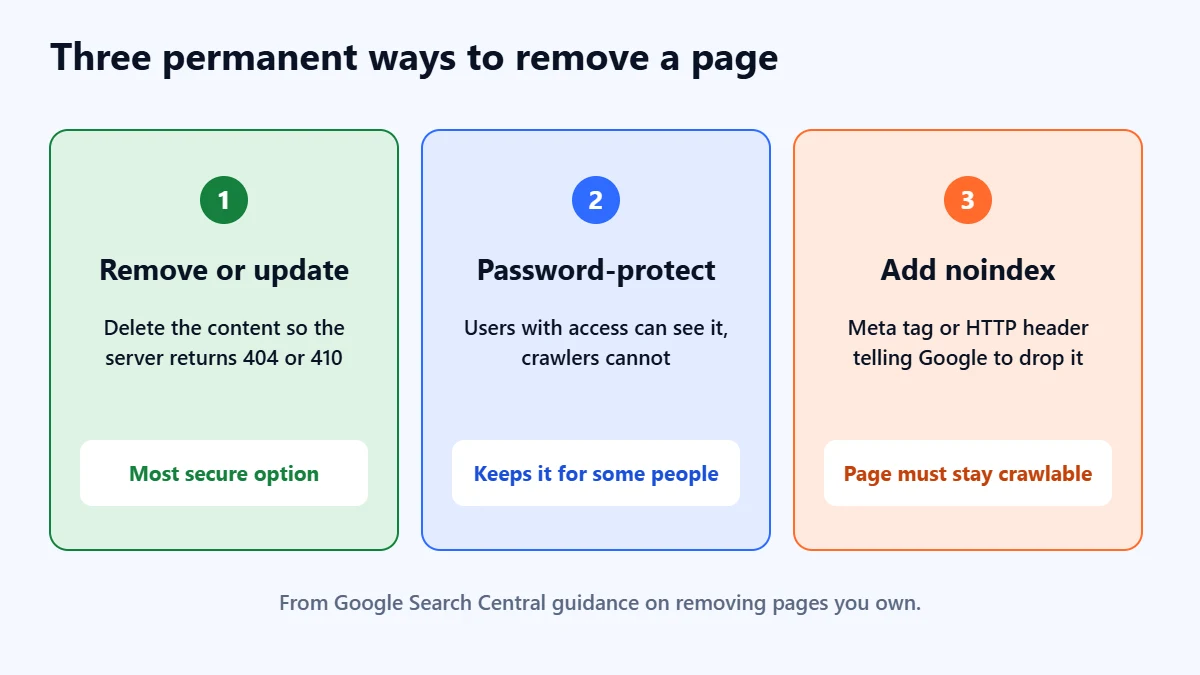
- Remove or update the content. Google calls this the most secure option, because it also stops other search engines and people from reaching the page. The server should return a 404 or 410 status code.
- Password-protect the page. Logged-in users can still see it, but crawlers cannot.
- Add a noindex rule. A meta tag or HTTP header tells Google to drop the page from its results, even if other sites link to it.
The robots.txt trap
Google says that for noindex to work, the page must not be blocked by robots.txt and must be accessible to the crawler. If it is blocked, the crawler never sees the noindex rule, and the page can still appear in results. So if you add noindex, leave the page crawlable until it has dropped out.
The quick option: the Removals tool
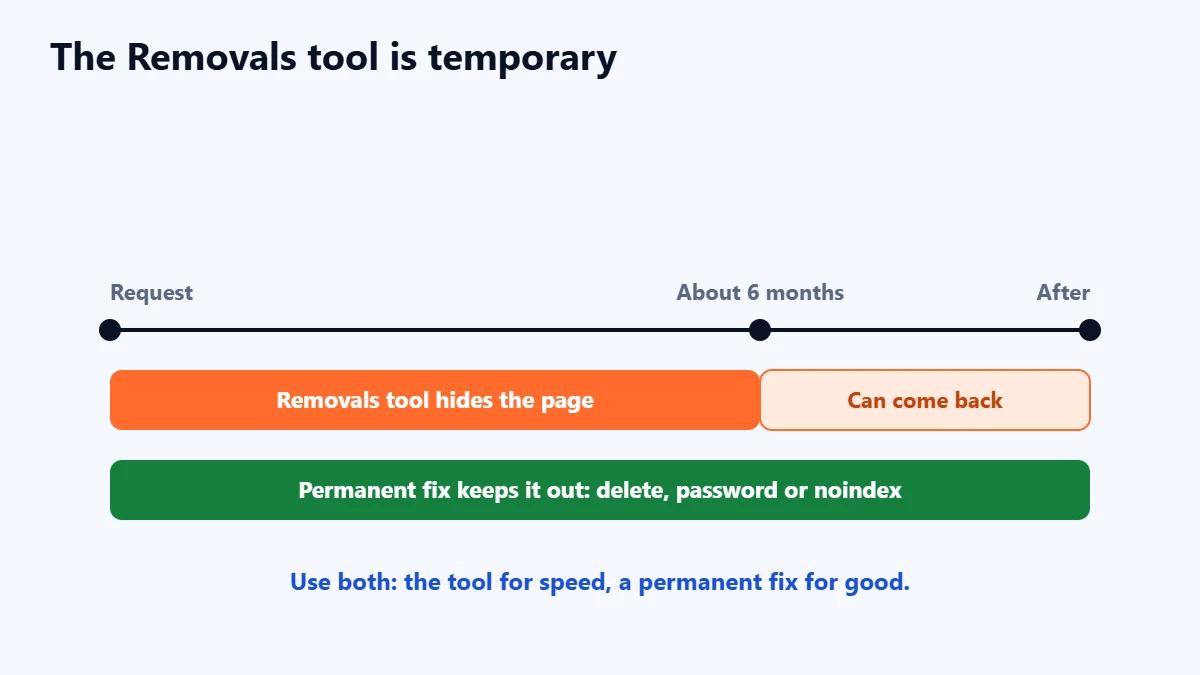
In Search Console, the Removals tool lets you temporarily block pages from Google Search on sites you own. Google says a successful request lasts only about six months, and that you must take other steps to remove the URL permanently. Use it alongside a permanent fix, not instead of one.
- Open Search Console for the property that contains the page.
- Go to Removals and create a new request.
- Enter the URL, and choose whether to remove just that URL or the whole prefix.
- Apply your permanent fix on the site at the same time.
- Check the request status in the Removals report.
Google also notes the tool is not for moving content. If you changed URLs, it says to follow its site move guidance instead.
Need old or duplicate pages cleaned up properly? Ask for a Free Growth Audit. We review your indexed pages, redirects and technical setup, and tell you what to remove, redirect or keep.
If the page is on someone else’s site
You cannot use the Removals tool or noindex for a site you do not own. Ask the site owner to remove or update it first. Google has a separate process for removing personal information from search results, which you can find in its help pages under removing your personal information from Google. Requests are judged against Google’s policies, so there is no guarantee.
After removal: check your own site
- Remove internal links to the deleted page, so visitors do not hit a dead end. Our guide to internal linking covers this.
- Take it out of your XML sitemap.
- Check Search Console’s page indexing report over the following weeks. Our guide to using Google Search Console explains how.
- Review similar pages. If one old page needed removing, others may too. Our content audit guide helps decide what to keep, merge or remove.
Common mistakes
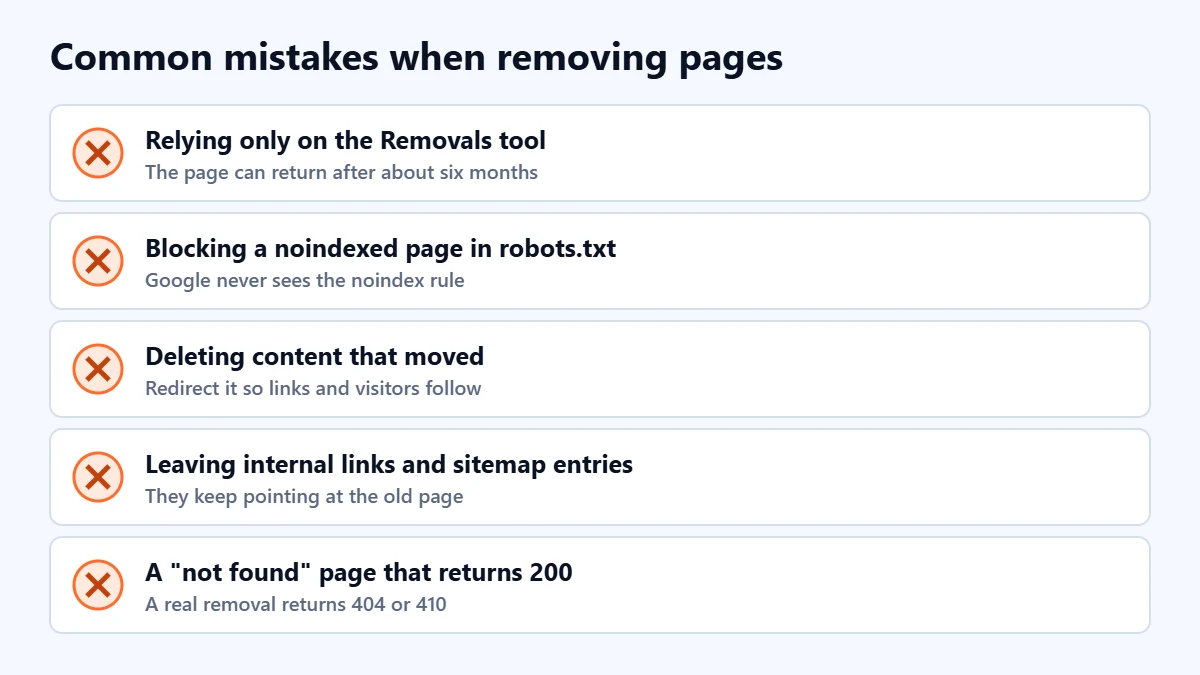
- Relying only on the Removals tool. The page can return after about six months.
- Blocking a noindexed page in robots.txt. Google cannot see the noindex rule.
- Deleting content that moved. Redirect it instead, so links and visitors follow.
- Leaving internal links and sitemap entries. They keep pointing people and crawlers at the page.
- Showing a normal page for deleted URLs. A “not found” message that returns a 200 status is not a real 404.
Frequently asked questions
How long does it take for a page to disappear from Google?
A Removals tool request hides it relatively quickly. A permanent fix takes effect when Google next crawls the page and sees the change, which varies. Check progress with Search Console’s URL Inspection tool.
Should I use 404 or 410?
Google’s guidance accepts either for permanent removal. 404 means not found, and 410 means gone on purpose. Either is fine for most business sites.
Will robots.txt remove a page from Google?
Not reliably. Blocking crawling does not stop a page being indexed if Google finds links to it, and it stops Google seeing a noindex rule. Use deletion, a password or noindex instead.
Can I remove a competitor’s or a review site’s page about my business?
Not with these tools. Contact the site owner, or use Google’s personal information or legal removal processes where they genuinely apply. For reviews, our guide to online reputation management covers honest options.
Get your Free Growth Audit and Quote. We review your site’s indexing, redirects and technical SEO, then send a plain-English list of what we would fix first.
No obligation and no guaranteed rankings. Prefer to talk first? Contact us or see our SEO services.