The short answer: Alt text is a short description in an image’s alt attribute that tells people using screen readers, and search engines, what the image shows or does. Describe what matters about the image in this context, in a plain phrase, and do not stuff it with keywords, which Google warns can look like spam. If an image is purely decorative, give it an empty alt attribute so screen readers skip it. If it contains important text, include that text. If it is a button or link, describe what it does. Pair good alt text with descriptive file names and place images near the text they relate to.
This guide is for anyone adding images to a business website, from blog posts to product and service pages. It follows Google Search Central’s image guidance and the W3C Web Accessibility Initiative’s images tutorial, as checked in November 2026. Apzom Digital builds websites and sells SEO, so read this knowing we have an interest. Every image in this article has alt text written the way the guide describes.

What to take from this guide
- Alt text is for people first. It is what a screen reader says in place of the image.
- Context decides the description. The same photo needs different alt text on a recipe page and a camera review.
- Some images should have none. Decorative images get an empty alt attribute, not a missing one.
- Keyword stuffing backfires. Google says it gives a poor experience and can make a site look spammy.
What alt text does
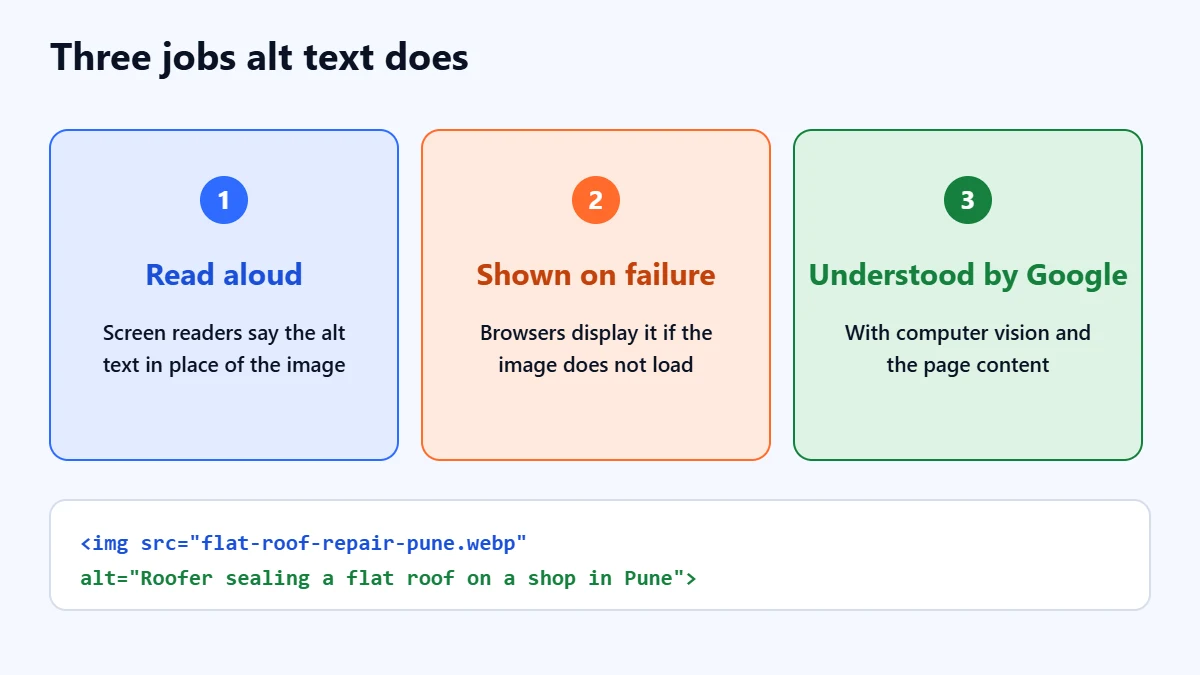
Screen readers read alt text aloud, and browsers show it if an image fails to load. Google says it uses alt text, together with computer vision and the page content, to understand what an image is about, and that it extracts information from the surrounding content, including captions and titles. Google also says it does not index images added through CSS backgrounds, so important images should use the standard HTML image element.
Which kind of image is it?
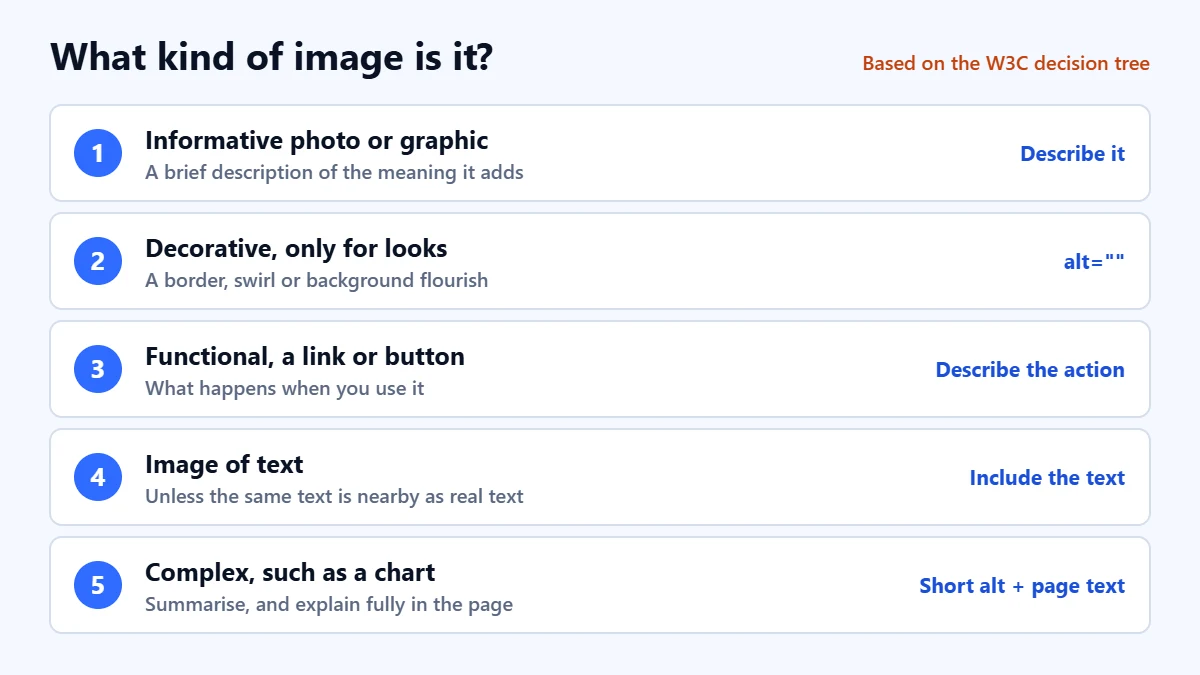
The W3C’s decision tree sorts images by what they do. The right alt text depends on which kind you have.
| Kind of image | What to write | Hypothetical example |
|---|---|---|
| Informative photo or simple graphic | A brief description of the meaning it adds | Technician replacing a cracked roof tile on a terraced house |
| Decorative, there only for looks | An empty alt attribute, alt="" | A background swirl or divider |
| Functional, a link or button | What it does, not what it looks like | Call Example Roofing |
| Image of text | The text itself, unless it also appears nearby as real text | Free survey for flat roofs this month |
| Complex, such as a chart | A short summary, with the full information in the page text | Bar chart comparing repair costs, explained below |
How to write good alt text
- Say what matters here. Ask what someone who cannot see the image would miss. On a service page, that might be the work being done, not the colour of the van.
- Keep it short. Usually a phrase or a sentence. Longer explanations belong in the page text or a caption.
- Do not start with “Image of”. Screen readers already announce that it is an image.
- Use words naturally. Google recommends useful, information-rich alt text that uses keywords appropriately and in context.
- Never stuff keywords. Google’s own bad example lists the same idea several ways in one alt attribute.
- Include essential text from the image. If the image shows a price, a phone number or an offer, people need to hear it.
| Hypothetical alt text | Why | |
|---|---|---|
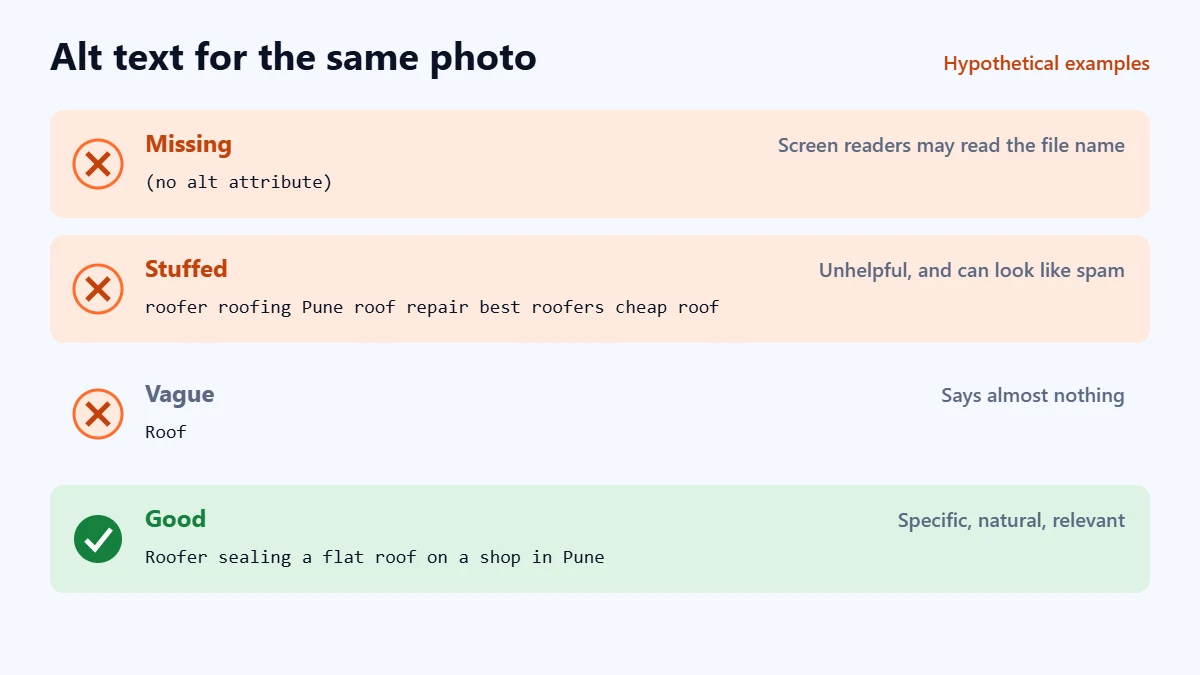
| Missing | (no alt attribute) | Screen readers may read the file name instead |
| Stuffed | roofer roofing Pune roof repair best roofers Pune cheap roof | Unhelpful, and Google warns it can look like spam |
| Vague | Roof | Says little about what the image shows |
| Good | Roofer sealing a flat roof on a shop in Pune | Specific, natural and relevant to the page |
Not sure your images are helping? Ask for a Free Growth Audit. We check your key pages for accessibility, image SEO and technical problems, and tell you what to fix first.
The rest of image SEO
- Descriptive file names. Google advises descriptive file names, so
flat-roof-repair-pune.webpis better thanIMG_4021.jpg. - Supported formats. Google says it supports BMP, GIF, JPEG, PNG, WebP, SVG and AVIF images in the image element.
- Images near relevant text. Google uses the surrounding content, captions and titles to understand images.
- Image sitemaps where useful. Google says an image sitemap can help it find images it might not otherwise discover.
- Size and speed. Large images slow pages down. Our guide to Core Web Vitals explains why that matters.
Doing it in WordPress
In the WordPress media library, each image has an “Alternative text” field. Alt text set there is used when the image is inserted, and you can change it per use in the block editor’s image settings. Fill it in when you upload, because going back to hundreds of images later is much harder. For decorative images, leave the field empty rather than typing something meaningless.
A quick check for your site
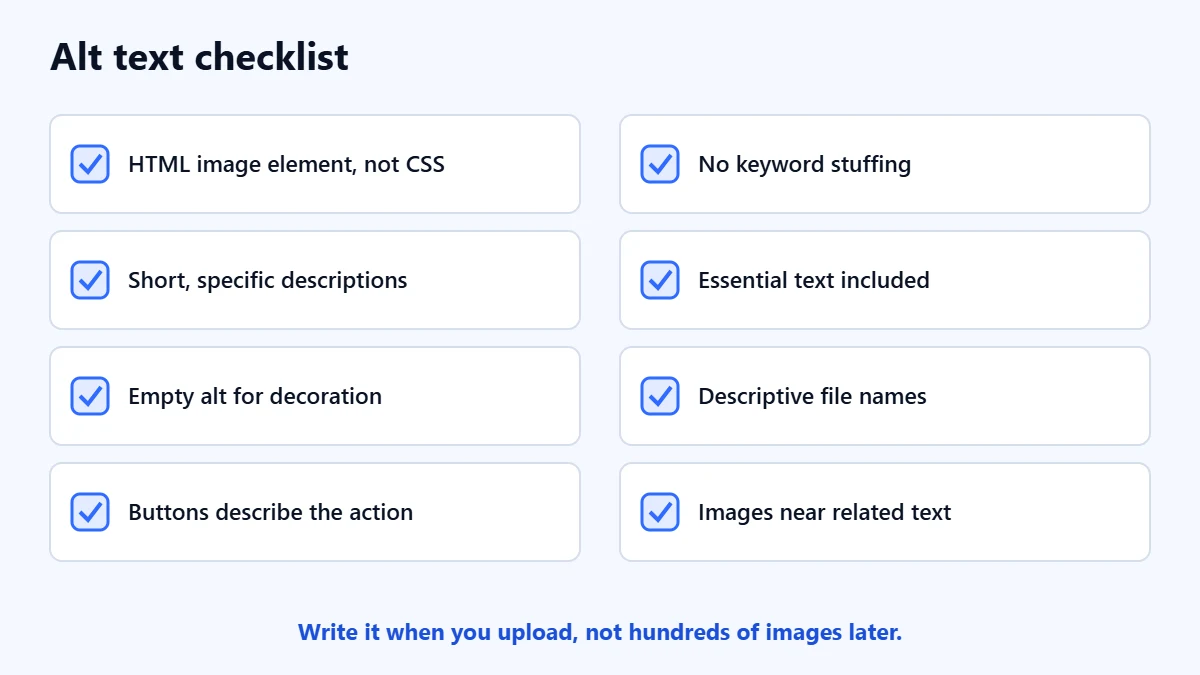
- Important images use the HTML image element, not CSS backgrounds.
- Informative images have short, specific descriptions.
- Decorative images have empty alt attributes.
- Linked images and buttons describe what they do.
- No alt text is stuffed with keywords.
- Essential text in images is included in the alt text or nearby.
- File names describe the image.
- Images sit near the text they relate to.
Our technical SEO audit guide covers how to find missing alt text across a whole site.
Frequently asked questions
How long should alt text be?
As long as it needs to be to convey the image’s purpose, which is usually a short phrase or sentence. If an image needs a long explanation, such as a detailed chart, put that explanation in the page text and keep the alt text brief.
Does alt text help SEO?
Google says it uses alt text, along with computer vision and page content, to understand images. Good alt text helps that, especially for image search. Its main job is still accessibility.
Should every image have alt text?
Every image should have an alt attribute. For informative images it should describe the image. For decorative ones it should be empty, so screen readers skip them.
Is alt text the same as a caption?
No. A caption is visible to everyone and can add context. Alt text replaces the image for people who cannot see it. An image can have both, and they should not simply repeat each other.
Get your Free Growth Audit and Quote. We review your website’s accessibility, technical SEO and content, then send a plain-English list of what we would fix first.
No obligation and no guaranteed rankings. Prefer to talk first? Contact us or see our website development service.