The short answer: Google asks site owners to label some outbound links with a rel attribute. Use rel="sponsored" for paid links, such as adverts, sponsorships and paid placements. Use rel="ugc" for links added by users, such as comments and forum posts. Use rel="nofollow" when neither fits and you do not want Google to associate your site with the page you link to. Google treats all three as hints. Buying or selling links that pass ranking credit breaks Google’s spam policies, but paid links are fine when they are marked sponsored or nofollow.
This guide is for business owners and marketers who publish sponsored content, accept guest posts, run a blog with comments or simply want to know when to use nofollow. It follows Google Search Central as checked in November 2026. Apzom Digital sells SEO, so read this knowing we have an interest. Most sites only need these attributes on a handful of links.
What to take from this guide
- Normal editorial links need no attribute. If you link to a page because it is useful, leave the link as it is.
- Paid links need sponsored or nofollow. Google prefers sponsored.
- User-added links should get ugc, or nofollow.
- They are hints. Google may still consider or crawl the linked page.
The three attributes
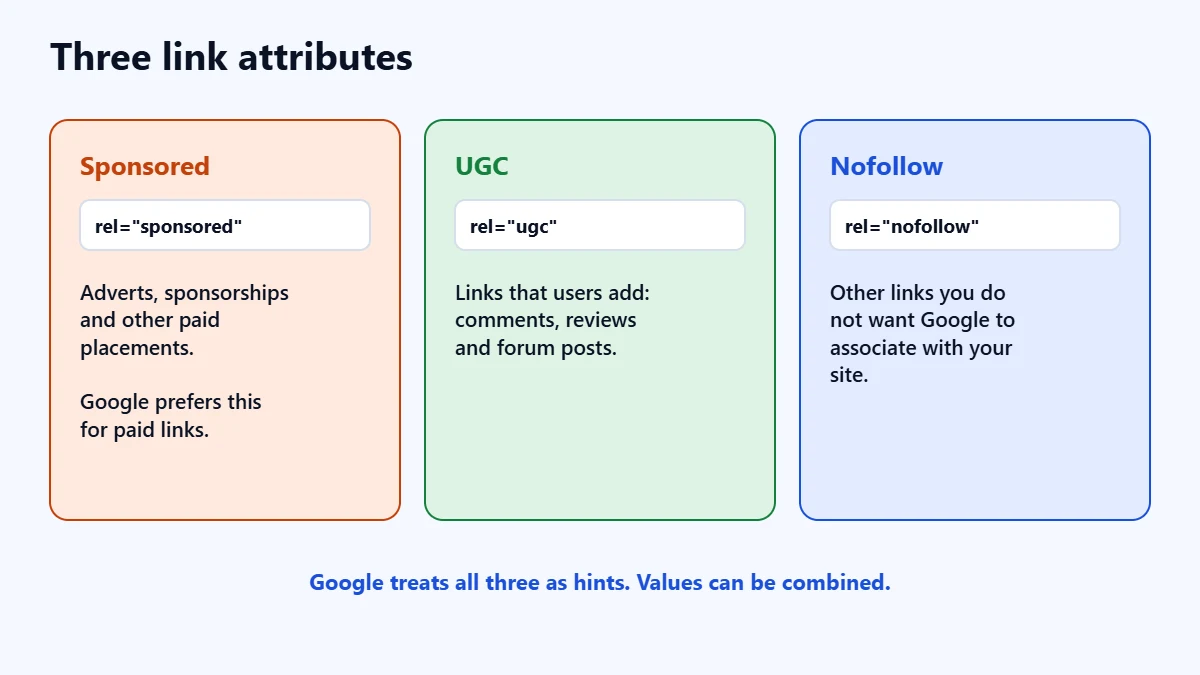
| Attribute | Use it for | Example |
|---|---|---|
rel="sponsored" | Adverts, sponsorships and other paid placements | A supplier paid for a mention in your article |
rel="ugc" | Links that users add, such as comments and forum posts | A link in a blog comment |
rel="nofollow" | Other cases where you do not want Google to associate your site with, or crawl, the linked page | A link to a page you mention but do not vouch for |
Google says you can combine values, separated by a space or a comma, such as rel="ugc nofollow". It says nofollow is still an acceptable way to mark paid links, but that sponsored is preferred. In its 2019 announcement of the new values, Google said there is no wrong attribute, except for sponsored links, and that you do not need to change existing nofollow links.
Which one to use
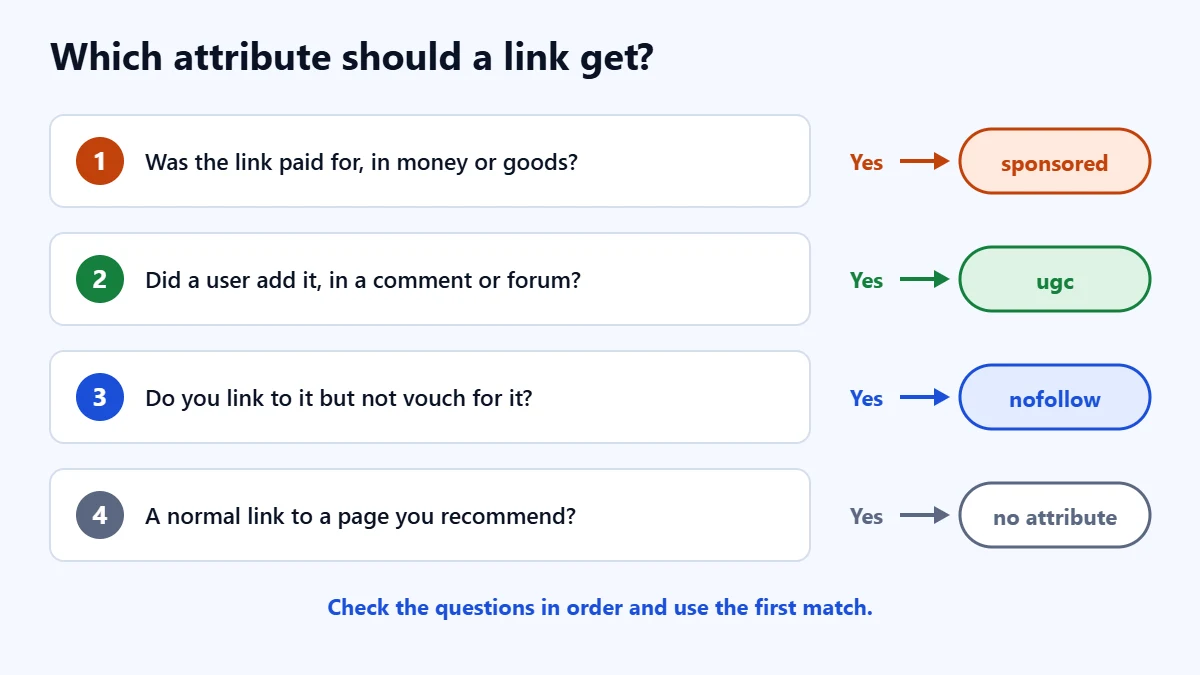
- Was the link paid for, in money, goods or services? Use sponsored.
- Did a user add it, in a comment, review or forum post? Use ugc.
- Do you link to it but not want to vouch for it? Use nofollow.
- Is it a normal link to a page you recommend? No attribute is needed.
Google says you might remove the ugc attribute for users who have consistently contributed high-quality content. In our judgement, most small business sites can simply mark all comment links as ugc and leave it there.
How Google treats them
In September 2019, Google said all three attributes are treated as hints about which links to consider or exclude in Search. It said nofollow would also become a hint for crawling and indexing from 1 March 2020. Its current guidance says such links will generally not be followed, but the linked pages may still be found through sitemaps or links from other sites.
That means nofollow is not a way to keep a page out of Google. To stop a page being indexed, Google says to allow crawling and use noindex. Our guide to removing a page from Google covers this.
Internal links
For links within your own site, Google’s guidance points to robots.txt rules if you want to stop it fetching certain URLs, rather than nofollow. In our judgement, most business sites should not nofollow internal links at all. They help Google find and understand your pages. Our guide to internal linking for business websites explains how to use them well.
Not sure your links are clean? Ask for a Free Growth Audit. We review your outbound links, sponsored content and technical SEO, and tell you what to fix first.
Paid links and Google’s spam policies
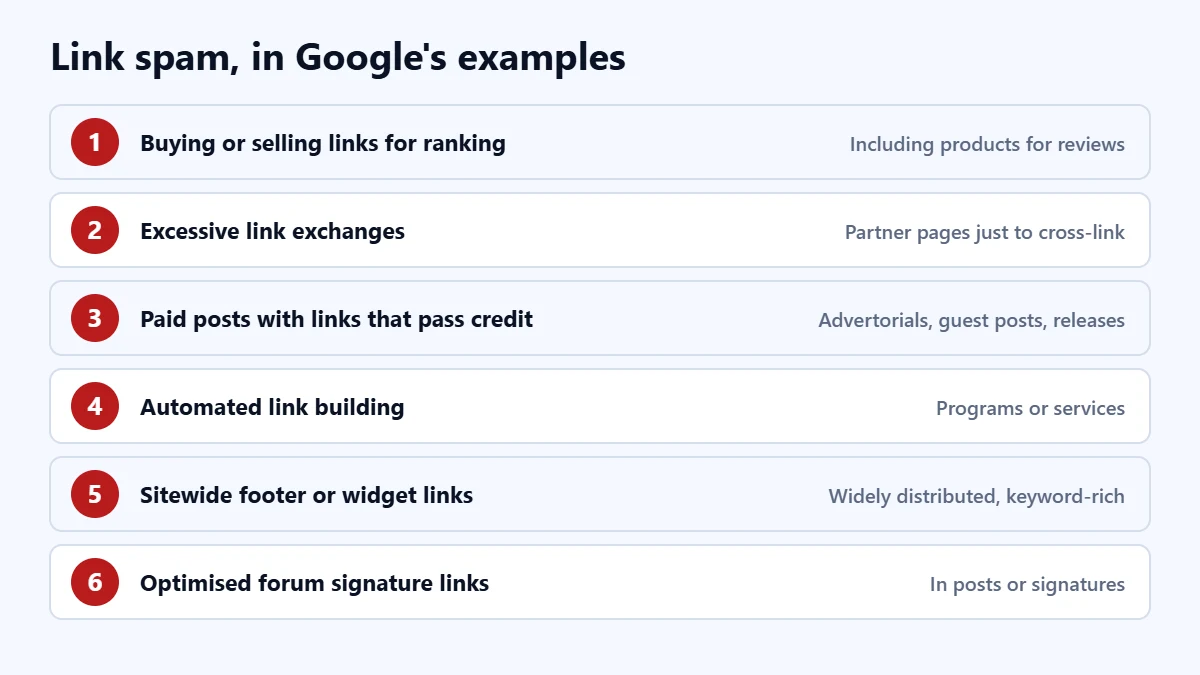
Google defines link spam as creating links to or from a site mainly to manipulate search rankings. Its examples include:
- Buying or selling links for ranking purposes, including sending a free product in exchange for a review with a link.
- Excessive link exchanges, or partner pages that exist only to cross-link.
- Paid articles, advertorials, guest posts or press releases with links that pass ranking credit.
- Automated programs or services that create links to your site.
- Requiring a link in terms of service or a contract, without letting the other site qualify it.
- Low-quality directory links, and keyword-rich links in widely distributed widgets, footers or templates.
- Forum comments with optimised links in the post or signature.
Google is clear that buying and selling links for advertising is not a violation, as long as the links carry sponsored or nofollow. If you sell sponsored posts, or pay for them on other sites, mark the links. Repeated link spam can lead to a manual action. Our guide to Google manual actions explains what that means.
Affiliate links
The Google pages we read do not prescribe a specific attribute for affiliate links. Google’s spam policies say affiliate links are acceptable when the links are treated appropriately, and they warn against thin affiliate pages that copy merchant descriptions without adding value. Because affiliate links earn a commission, in our judgement marking them sponsored is the safe choice.
How to add the attributes
In WordPress, select a link and open its settings. Depending on your WordPress version and SEO plugin, you may see options for nofollow or sponsored. If not, edit the HTML of the block directly, for example <a href="https://example.com" rel="sponsored">. For comments, check a comment link on your own site with your browser’s inspect tool to see which attribute it carries.
A checklist
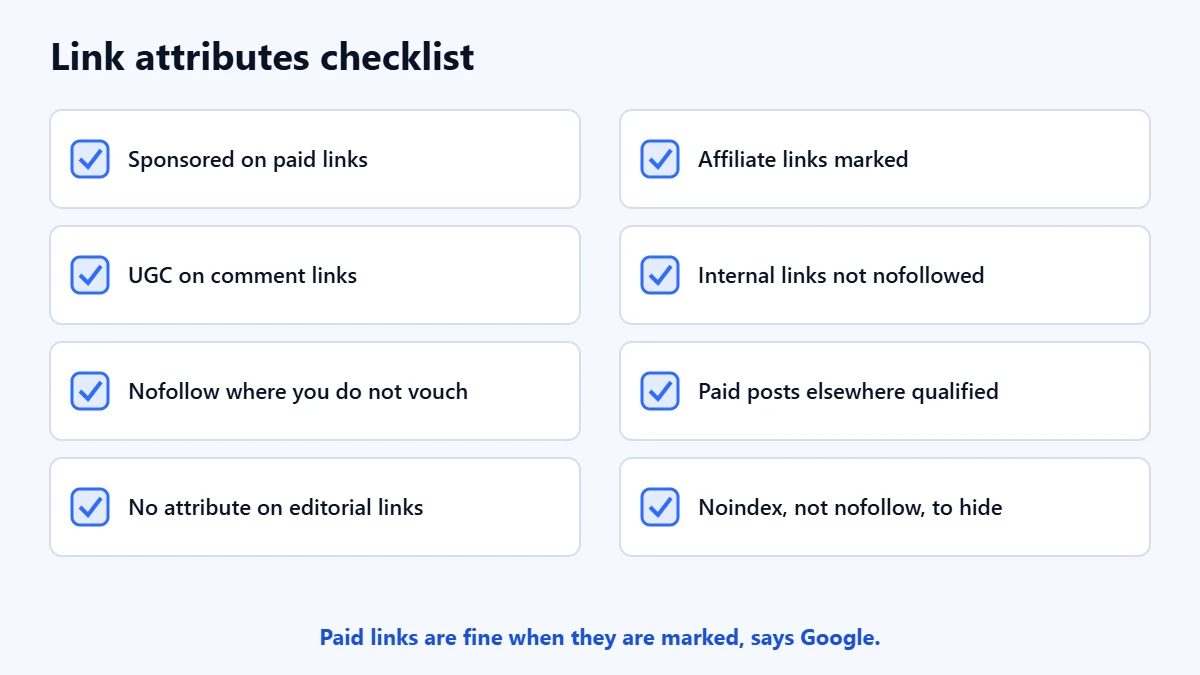
- Paid links and sponsored posts carry sponsored.
- Comment and forum links carry ugc.
- Links you do not vouch for carry nofollow.
- Normal editorial links have no attribute.
- Affiliate links are marked.
- Internal links are not nofollowed.
- Any guest posts or press releases you paid for elsewhere have qualified links.
Frequently asked questions
Do nofollow links help SEO?
Google treats them as hints, so it may or may not consider them. In our judgement, do not build a strategy around them. Earn links by publishing something worth linking to.
Should I nofollow all external links?
No. Google’s guidance is to qualify paid, user-generated and untrusted links. Linking normally to useful sources is fine.
Is it against Google’s rules to sell sponsored posts?
No, as long as the links in them are marked sponsored or nofollow. Selling links that pass ranking credit is against Google’s spam policies.
Does nofollow stop Google indexing a page?
No. Google may still find the page through other links or sitemaps. Use noindex to keep a page out of search.
Get your Free Growth Audit and Quote. We review your links, content and technical SEO, then send a plain-English list of what we would fix first.
No obligation and no guaranteed rankings. Prefer to talk first? Contact us or see our SEO services.